



Sim, Link, Data

herbie makes it easy to collect sim teleop data with a shareable link. Pilots just need a VR headset and wifi.

You
Your robosuite sim, unchangedNo VR code to writeThree commands
Pilots
No installNo accountNo teleop rig or custom hardware

Early access for design partnersAt launch: robosuite on MuJoCo · Meta Quest Browser (WebXR)

Read the docs
How herbie works, in three parts that play in turn: you bring the robosuite simulation you already run and publish it with the herbie command-line tool; you share one private link, and pilots open it in their VR headset's browser with WebXR, with nothing to install and no account; and every attempt comes back recorded in full and sorted into successes and failures by your task's own check, to replay in the browser or download.

Bring your sim

  • At launch
  • At launch
  • Planned

Train in your stack

  • Planned
  • Planned

Your sim

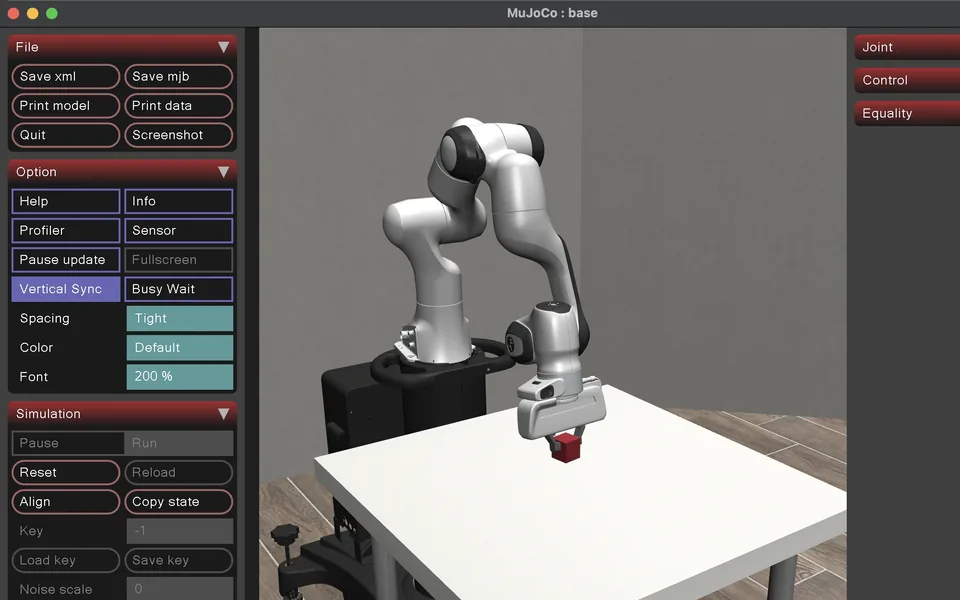
Point herbie at the function that builds your robosuite env: no changes to your sim, no VR code. Add one small file, run three commands, and herbie builds, checks and hosts it.

+ herbie sim init · prepare · publish

How publishing works

One link

Send a private link however you like. Pilots open it in their headset's browser and press Join. All they need is a VR headset and wifi: no install, no account, no teleop rig.

+ WebXR in Meta Quest Browser at launch

How sharing works

All the data

Every attempt is recorded in full and sorted by your task's own success check. Replay any episode, or download it.

+ Successes and failures, all kept

What's recorded

How it works

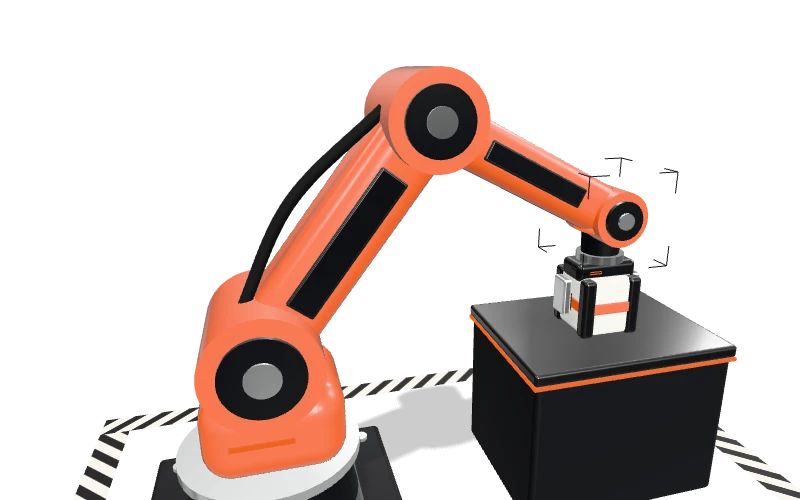
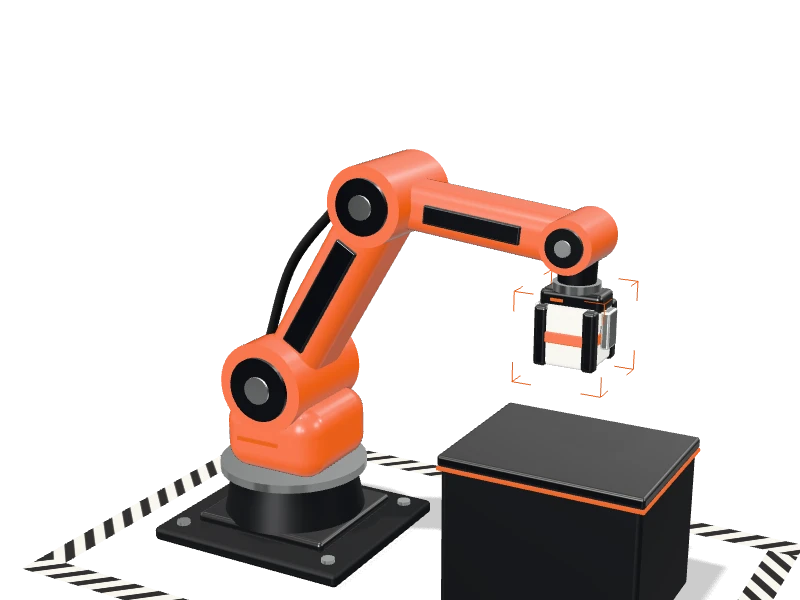
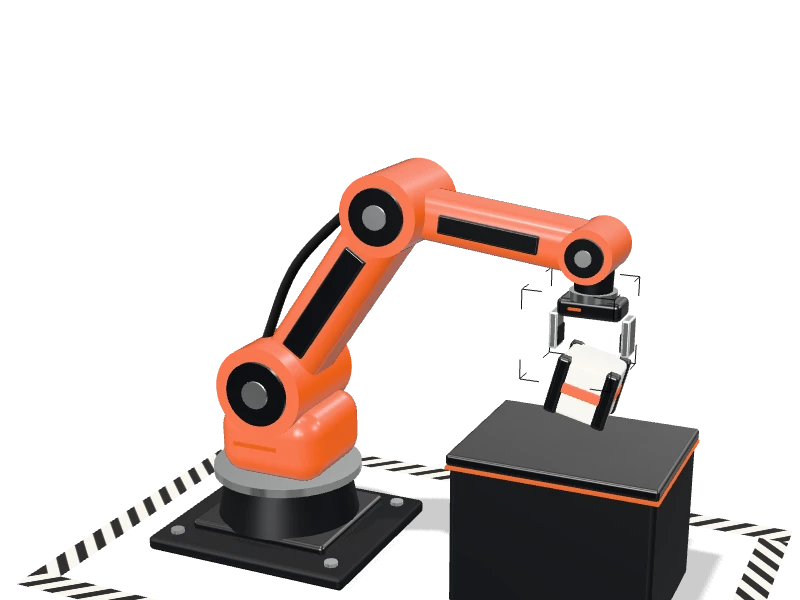
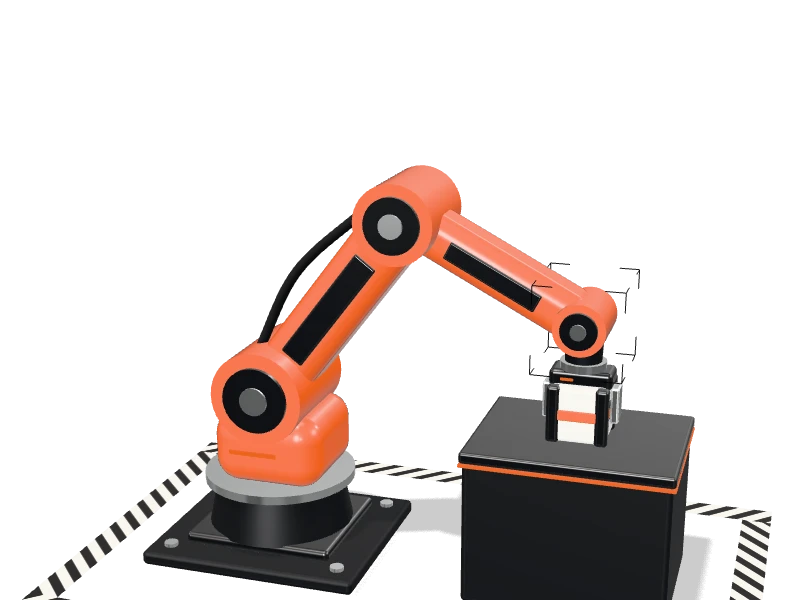
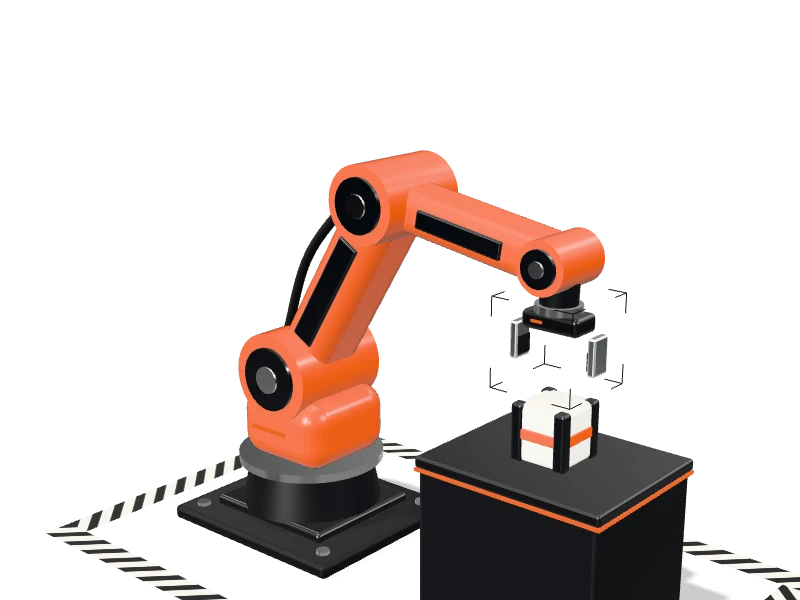
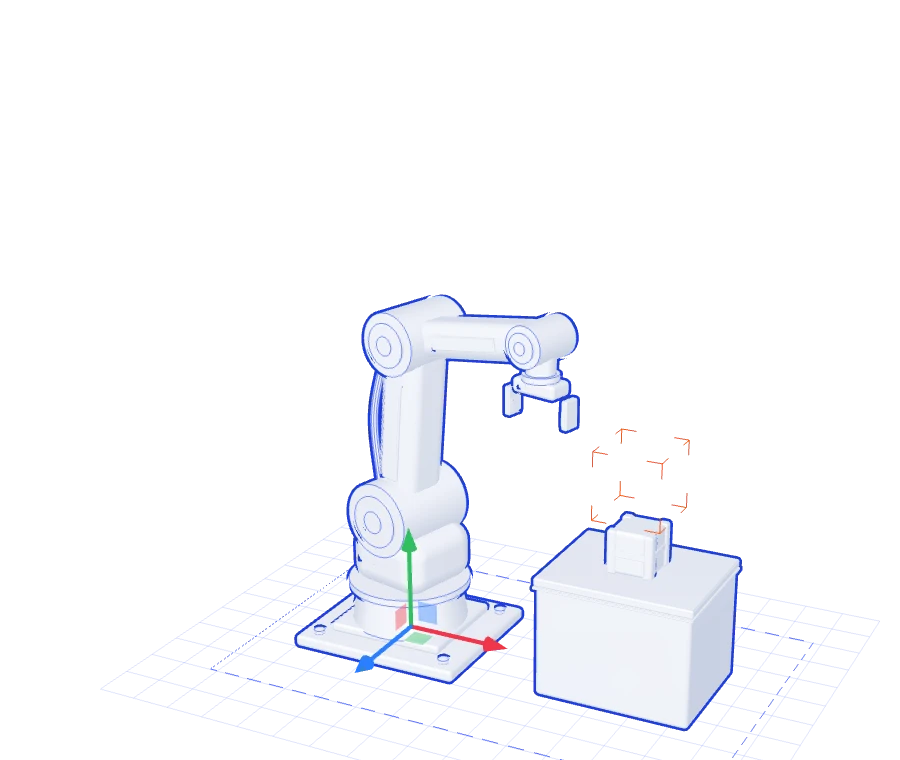
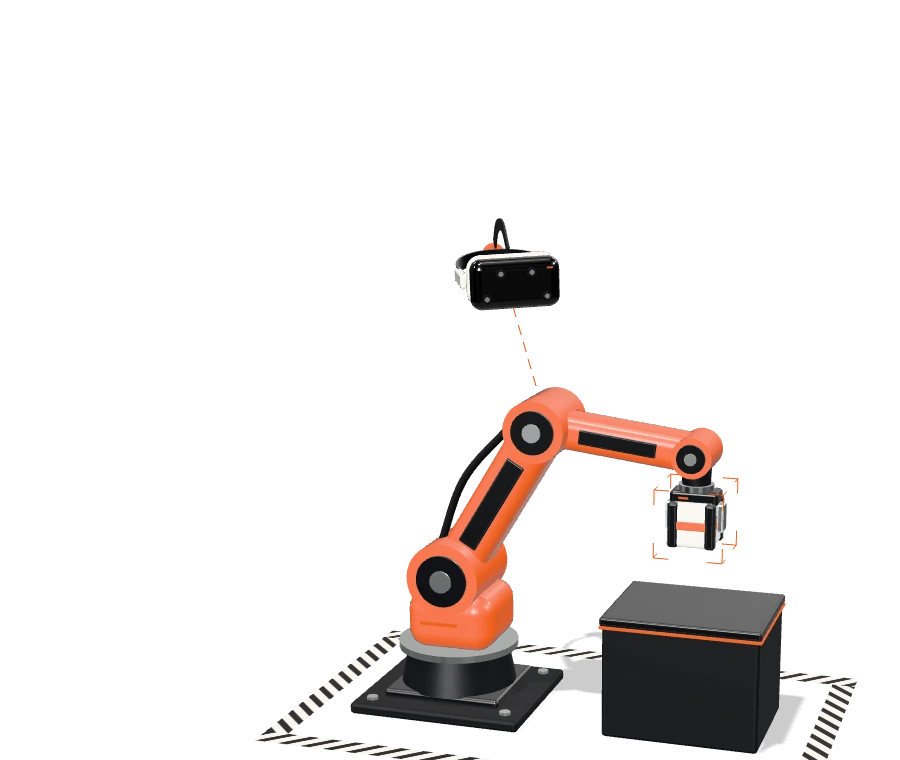
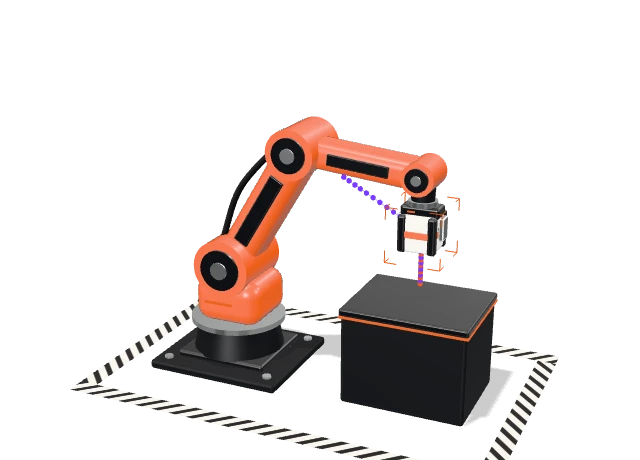
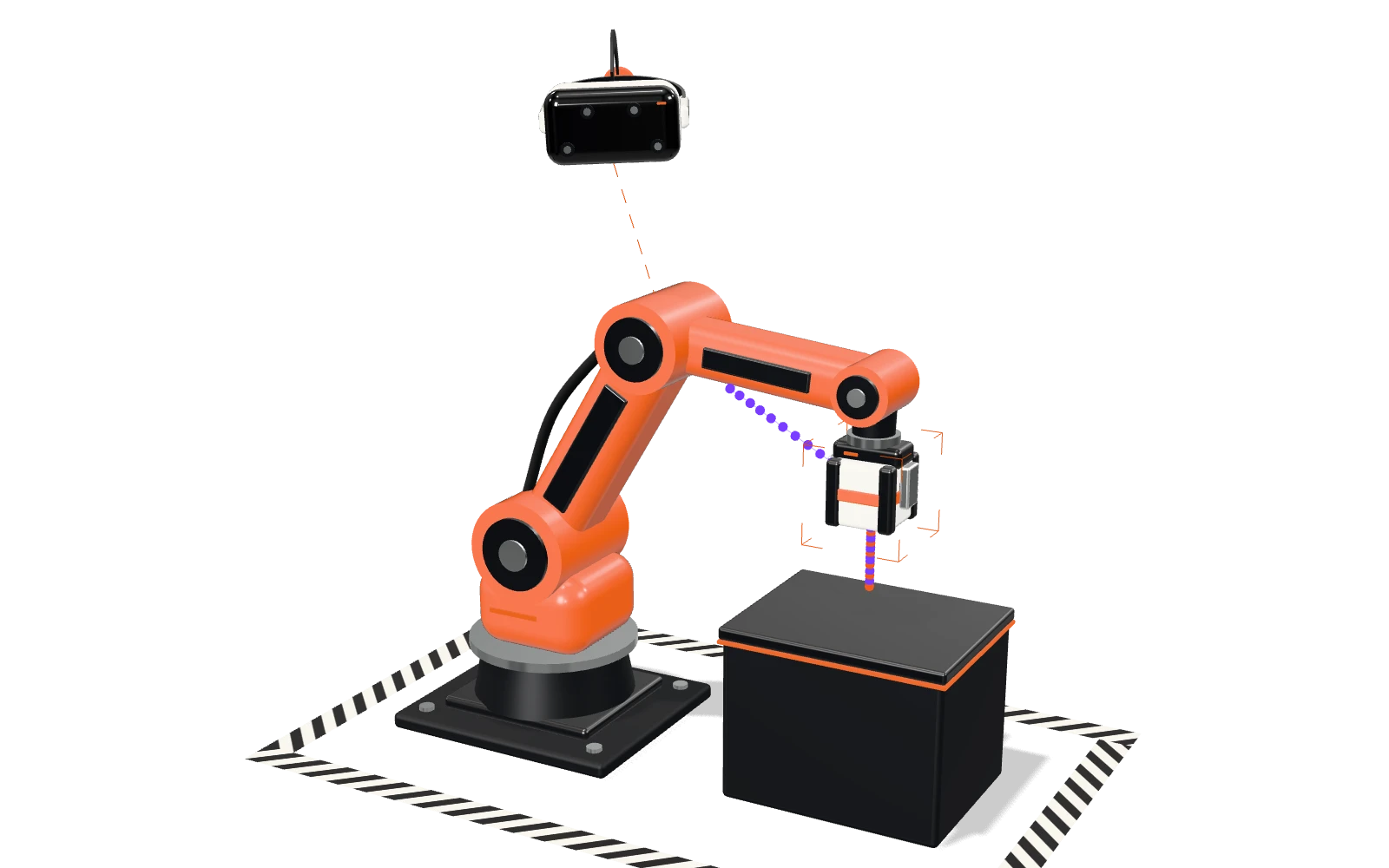
A robot arm at a table lifting a cube into a target, with a VR headset floating above it and the path its gripper drew.

(03)“How it works”

01 / 09

01Your sim · three commands

Bring your sim. Keep your code.

  1. Point herbie at the function that builds your robosuite environment. herbie sim init writes one small herbie.toml; your robot, controller and task code stay exactly as they are, and there's no VR code to write.

    Docs
  2. herbie builds it, checks it and hosts it for you. One command uploads your project, builds it from your lock file and checks the robot, the controls, what the headset draws and a sample recording.

    Docs
  3. Try it in your own headset, privately. Then publish a release: a fixed version pilots can join. That's three commands in all: init, prepare, publish.

    Docs
Developer quickstart

02Your pilots · a headset and wifi

Share one link. They play.

  1. One command gives you a private link with its own limits: how many sessions it can start and when it expires. Copy it, message it, email it or show it as a QR code, and revoke it any time.

    Docs
  2. They open it in their headset's browser and press Join, and WebXR does the rest. That's all a pilot needs: a VR headset and wifi. No custom hardware, no teleop rig, nothing to install, no account.

    Docs
  3. Join starts your simulation on its own isolated cloud machine, and it shuts down when the session ends. Pilots practise first; only started attempts are recorded.

    Docs
Publish and invite

03Your data

Collect every attempt. Sorted.

  1. Each attempt is written inside your simulation as it runs: what the pilot asked for, what your controller applied, the full simulation state and the task's events.

    Docs
  2. Successes and failures are split by your environment's own check, never by herbie. Failed attempts are kept: they're complete recordings too.

    Docs
  3. Replay any episode in the browser, long after its machine has shut down, and download the full native recording. LeRobot export and rendered camera views are planned.

    Docs
Episodes and data

Your projectrobosuite · MuJoCo

  • my_project/env.pyunchanged
  • my_project/assets/unchanged
  • pyproject.toml · uv.lockunchanged
  • herbie.toml+ added · 7 lines
[runtime]
profile = "robosuite-arm-v1"
[exports.original]
entry = "my_project.env:make_env"
mode  = "task"

Three commandsno VR code

  1. 1$ herbie sim initpoints at your env
  2. 2$ herbie sim preparebuilds and checks it
  3. 3$ herbie sim publisha release to share

Works withMuJoCorobosuitePlanned: standalone MuJoCo · Isaac Lab

Preparation · build 127 / 7 passed

  • Inventoryevery file it needs, in the project
  • Upload38.4 MB
  • Buildfrom your uv.lock, in the cloud
  • Constructmake_env() runs without a window
  • Controlshand → gripper, trigger → close
  • Visualsthe scene the headset draws
  • Recordinga sample episode, saved and replayed

herbie sim prepare

herbie never changes your physics, controller gains or task rules to make something pass.

Preview · your headsetPrivate
  • Controls feel right
  • Resets cleanly
  • Episode saves and replays

herbie sim publish --visibility unlisted

v3 Lift the cubeRelease v3 · fixed · unlisted Published

Invite a pilotExample

Copy linkQR codeMessageEmailChatSend Scan in the headset

Releasev3 · currentSessions5, one browserExpiresin 24 hVisibilityUnlisted · link only

Shown once · revoke it any time

herbie sim invites create --release current --max-sessions 5 --expires-in 24h

Message to @kay

Could you try this in your headset tonight?

herbie.build/join/lift-cube-k7qx2

You're invited to play

Lift the cube
  • Robot · Panda arm
  • Session · up to 30 min
  • Recorded · your commands, the robot, the result
Join

A VR headsetWifiNo installNo accountNo teleop rig

WebXRAt launchMeta Quest app · SteamVRComing soon

Live session · s_7qx2Example

  1. Queued
  2. Starting
  3. Ready
  4. Task
Pilot
@kay · Meta Quest 3 · Quest Browser
Control link
38 ms round trip
Machine
1 of 1 · isolated · started on Join
Limits
30 min session · 2 min idle

Recording attempt 2 · practice isn't recorded

ep_0147 · recordedSaved

  1. startreset · Lift · Panda
  2. reachgripper at the cube
  3. graspgripper closed · cube held
  4. liftcube +0.12 m
  5. successtask reports success
  6. savedepisode saved · checked

In every episodenative

  • Provenancerelease, robot, controller
  • Starting statethe full reset
  • Actionsasked by the pilot, applied by your controller
  • Sim stateafter every step
  • Task eventsand the outcome it reported

Episodes · lift-the-cubeExample

Successes 1,066

  • ep_0146@kay14.1 s
  • ep_0144@lin12.8 s
  • ep_0143@kay16.3 s

Failures 174

  • ep_0145@modropped
  • ep_0142@rendropped

Your task's check, as writtenrobosuite · Lift

def _check_success(self):
    return cube_height > table_height + 0.04
Replay · ep_0147Success
grip.zgrippercube.z

herbie sim records download ep_0147

Savedep_0147 · native episode · with its model files

  • Native episodesAt launch
  • LeRobot exportPlanned
  • Rendered camera viewsPlanned
Scroll through the steps

(05)“Early access”

Pilots just need a headset and wifi.

Got a robosuite task that needs human demos? We're onboarding a small group of design partners. Tell us about your task, and we'll get you a project and a key.

Read the quickstart
Early access

(EA)“Early access”

Get early access.

We're building the first release with a small group of design partners. Tell us how you'd use it, and we'll be in touch.

How would you like to take part? Choose any.

No account needed. Just your email, for herbie early-access updates — nothing else, and you can ask us to delete it at any time. Joining means you accept the Terms and the Privacy Policy.